Build a Fun HTML Quiz Game with HTML, CSS & JavaScript
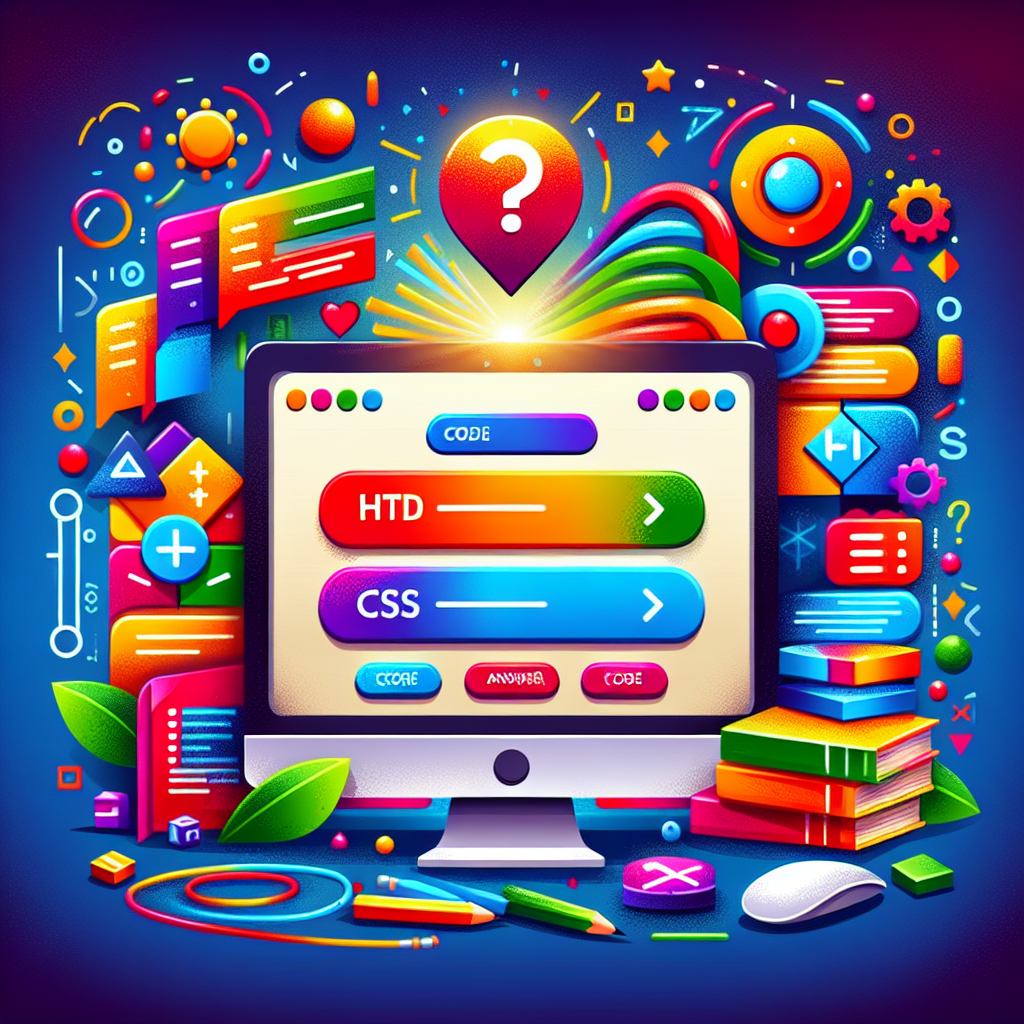
Are you ready to dive into web development while creating something fun and interactive? In this tutorial, we’ll guide you through coding a simple quiz game using the three core web technologies: HTML, CSS, and JavaScript. By the end, you’ll have a working quiz game that you can customize and expand!
Why Create a Quiz Game?
Quiz games are a great way to practice your coding skills because they involve user interaction, logic, and styling. Here’s what makes them perfect for learning:
- HTML: Structure your quiz with questions and answer options.
- CSS: Style the game to make it visually appealing and user-friendly.
- JavaScript: Add the interactive functionality for tracking answers and showing results.
Step 1: Setting Up Your HTML
First, create the structure of your quiz game. You’ll need:
- A container to hold your quiz elements.
- Question text area.
- Answer buttons or options.
- A place to display the score or results.
Example HTML snippet:
<div id="quiz-container">
  <div id="question">Question goes here</div>
  <div id="answer-buttons"></div>
  <button id="next-btn">Next</button>
</div>
Step 2: Styling with CSS
Use CSS to enhance your quiz’s visual appeal. Make it colorful and easy to navigate, for example:
- Give buttons distinct colors on hover.
- Set a clean, readable font and spacing.
- Add simple animations or transitions.
Example CSS snippet:
#quiz-container {
  width: 400px;
  margin: 50px auto;
  border: 2px solid #333;
  padding: 20px;
  border-radius: 8px;
  background-color: #f9f9f9;
  font-family: Arial, sans-serif;
}

button {
  padding: 10px 20px;
  margin: 5px 0;
  border: none;
  border-radius: 5px;
  cursor: pointer;
  transition: background-color 0.3s ease;
}

button:hover {
  background-color: #4CAF50;
  color: white;
}
Step 3: Adding Interactive JavaScript
JavaScript makes your quiz interactive. Key functions include:
- Loading questions and answers.
- Handling user selection and tracking score.
- Advancing through questions and showing the final result.
Example JavaScript snippet:
const questions = [
  {
    question: "What does HTML stand for?",
    answers: [
      { text: "Hyper Text Markup Language", correct: true },
      { text: "Home Tool Markup Language", correct: false },
      { text: "Hyperlinks and Text Markup Language", correct: false },
      { text: "Hyper Text Makeup Language", correct: false }
    ]
  },
  // Add more questions here
];

let currentQuestionIndex = 0;

function showQuestion() {
  // JavaScript code to display questions and answers
}

// Event listeners to handle answer selection and navigation
Wrapping Up
Building this quiz game not only teaches you how HTML, CSS, and JavaScript work together but also creates a foundation for more complex projects. Experiment with your own questions, styles, and features like timers or scoreboards!
Feel free to share your quiz game or ask questions in the comments. Happy coding!